How to Rank Your Website on Google
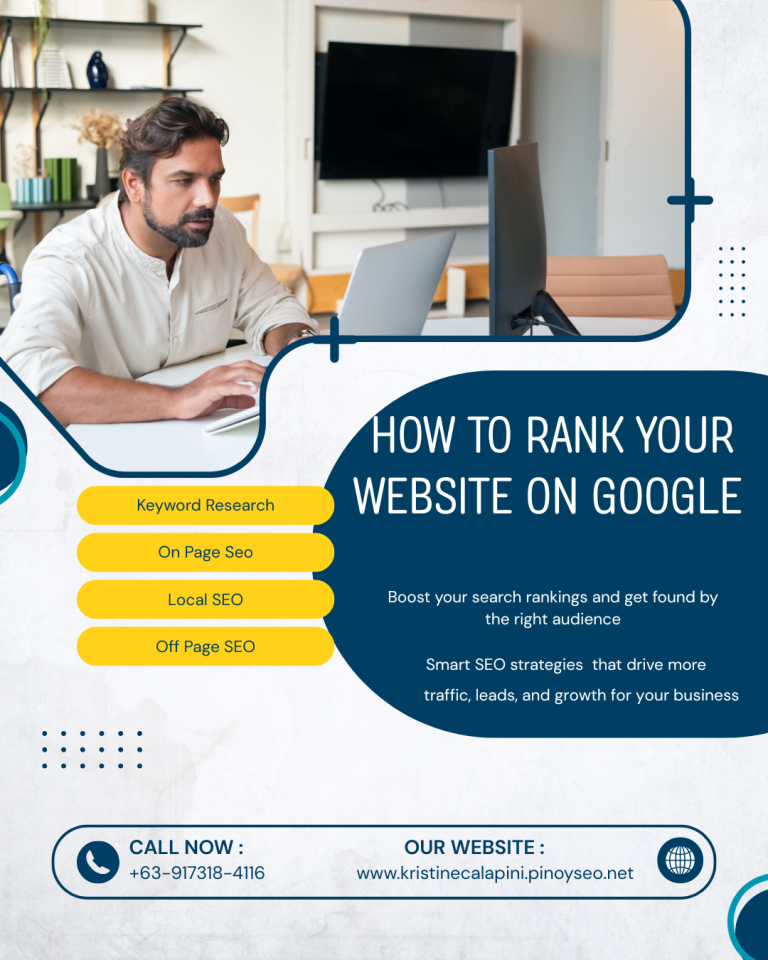
Ranking your website on Google helps increase visibility, attract more visitors, and grow your business. With the right SEO strategies, you can improve your search engine rankings and reach your target audience effectively.
What Does It Mean to Rank on Google?
When users search for information online, Google displays websites based on relevance, quality, and user experience. Ranking on Google means your website appears on the first pages of search results for targeted keywords.
Higher rankings usually lead to:
- More organic traffic
- Increased brand awareness
- Better credibility
- Higher conversion rates
- More business opportunities
1. Perform Keyword Research
Keyword research is the foundation of SEO. It helps you identify what people are searching for online.
How to Find the Right Keywords
Use SEO tools such as:
- Google Keyword Planner
- Ahrefs
- SEMrush
- Ubersuggest
Look for keywords that:
- Have good search volume
- Match your business or niche
- Have lower competition
- Reflect user intent
Example:
Instead of targeting a broad keyword like:
- “SEO”
You can target:
- “SEO services in the Philippines”
- “Affordable SEO specialist”
- “Local SEO for small businesses”
Using specific keywords can help you rank faster and attract the right audience.
2. Create High-Quality Content
Google prioritizes helpful, informative, and original content.
Tips for Creating SEO-Friendly Content
- Answer user questions clearly
- Write engaging and easy-to-read articles
- Use headings and subheadings
- Add relevant keywords naturally
- Include images and internal links
- Update old content regularly
Content that provides value is more likely to rank higher and keep visitors on your website longer.
3. Optimize Your On-Page SEO
On-page SEO helps search engines understand your content better.
Important On-Page SEO Elements
Title Tags
Your page title should:
- Include your target keyword
- Be clear and attractive
- Stay within recommended character limits
Meta Descriptions
Write compelling meta descriptions that encourage users to click your website.
Headings
Use proper heading structure:
- H1 for the main title
- H2 and H3 for sections
Image Optimization
- Compress images for faster loading
- Add descriptive alt text
URL Structure
Keep URLs clean and keyword-friendly.
Example:
- yourwebsite.com/seo-services
4. Improve Website Speed
A slow website can hurt both user experience and rankings.
Ways to Improve Speed
- Compress images
- Use caching plugins
- Remove unnecessary scripts
- Choose reliable hosting
- Optimize mobile performance
Google values fast-loading websites because users prefer quicker browsing experiences.
5. Make Your Website Mobile-Friendly
Most users browse using mobile devices. Google also uses mobile-first indexing, meaning it primarily evaluates the mobile version of your website.
Mobile Optimization Tips
- Use responsive design
- Improve readability on small screens
- Optimize buttons and navigation
- Avoid intrusive popups
A mobile-friendly website improves both rankings and user satisfaction.
6. Build Quality Backlinks
Backlinks are links from other websites pointing to your site. They help build trust and authority.
Effective Link Building Strategies
- Guest posting
- Local business directories
- Content marketing
- Social sharing
- Collaborating with industry websites
Focus on quality backlinks rather than quantity. Links from trusted websites carry more SEO value.
7. Use Google Search Console
Google Search Console is a free tool that helps monitor your website performance.
It Helps You:
- Track keyword rankings
- Check indexing issues
- Submit sitemaps
- Monitor clicks and impressions
- Identify technical SEO problems
Regularly reviewing your data can help improve your SEO strategy.
8. Focus on User Experience
Google rewards websites that provide a positive user experience.
Improve User Experience By:
- Creating easy navigation
- Using clean website design
- Reducing bounce rates
- Adding clear calls-to-action
- Improving readability
When visitors stay longer on your website, Google sees your content as more valuable.
9. Optimize for Local SEO
If you offer local services, local SEO is essential.
Local SEO Tips
- Create a Google Business Profile
- Use location-based keywords
- Add your business address and contact details
- Collect customer reviews
- Build local citations
This helps your business appear in local search results and Google Maps.
10. Be Consistent With SEO
SEO is not a one-time task. It requires continuous improvement and monitoring.
Keep Doing These Regularly:
- Publish fresh content
- Update existing pages
- Monitor keyword rankings
- Fix technical issues
- Build backlinks
- Analyze website traffic
Consistency helps improve long-term rankings and organic growth.
Final Thoughts
Learning how to rank your website on Google takes time, strategy, and patience. By focusing on keyword research, quality content, technical SEO, backlinks, and user experience, you can steadily improve your search engine rankings.
Using the right SEO techniques consistently will help your website attract more visitors, generate leads, and grow your online presence over time.

I’m Kristine Calapini, a beginner SEO Specialist passionate about helping businesses improve their online visibility through SEO, content optimization, and website improvements. I continuously learn and apply SEO best practices to support organic growth and better search engine performance.